RaceCloud for iPhone, iPad and Android

Race day in your pocket.

The trackside companion. Check in at the circuit, run race day, log setups, time laps and ask GridBot, even with no signal.

Free until 1 January 2027 · Sign in with Apple or Google
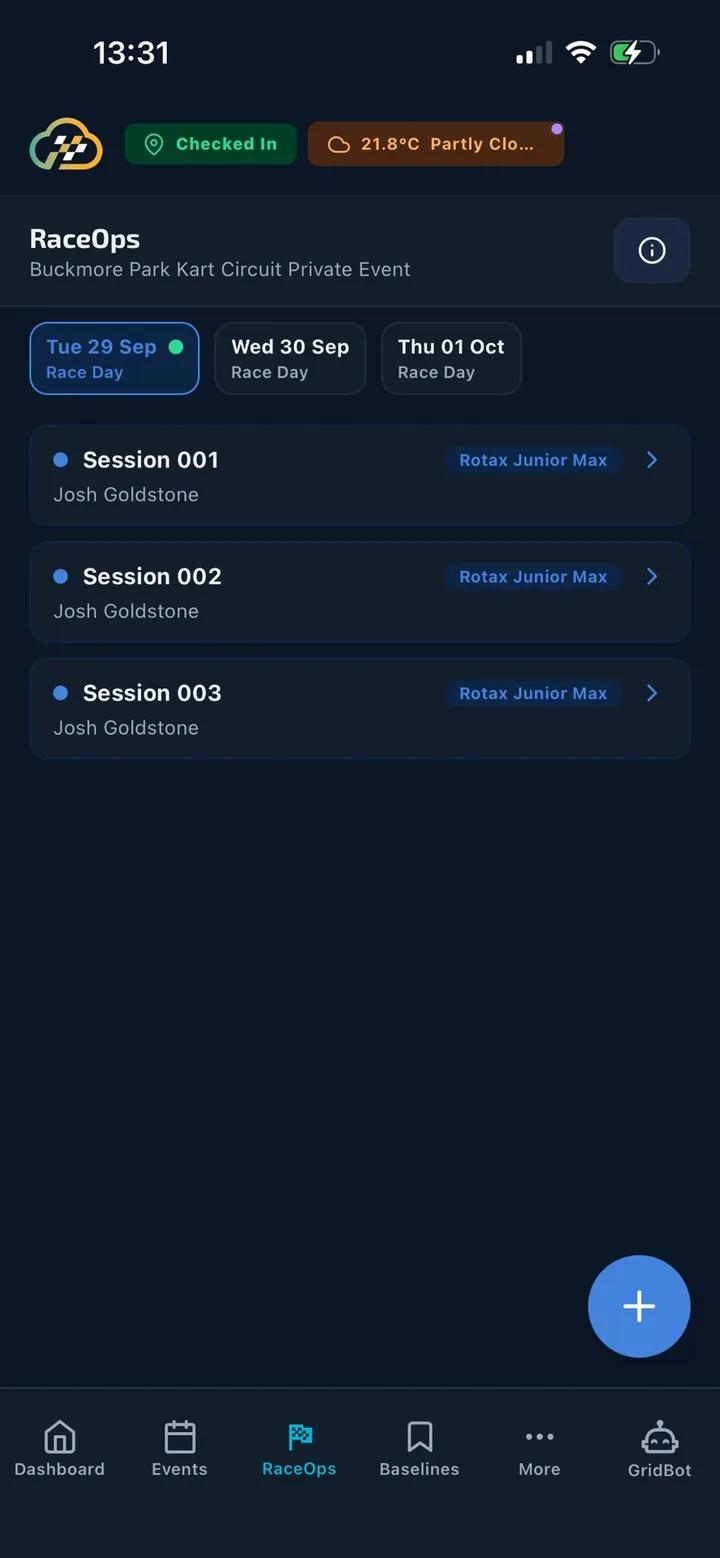
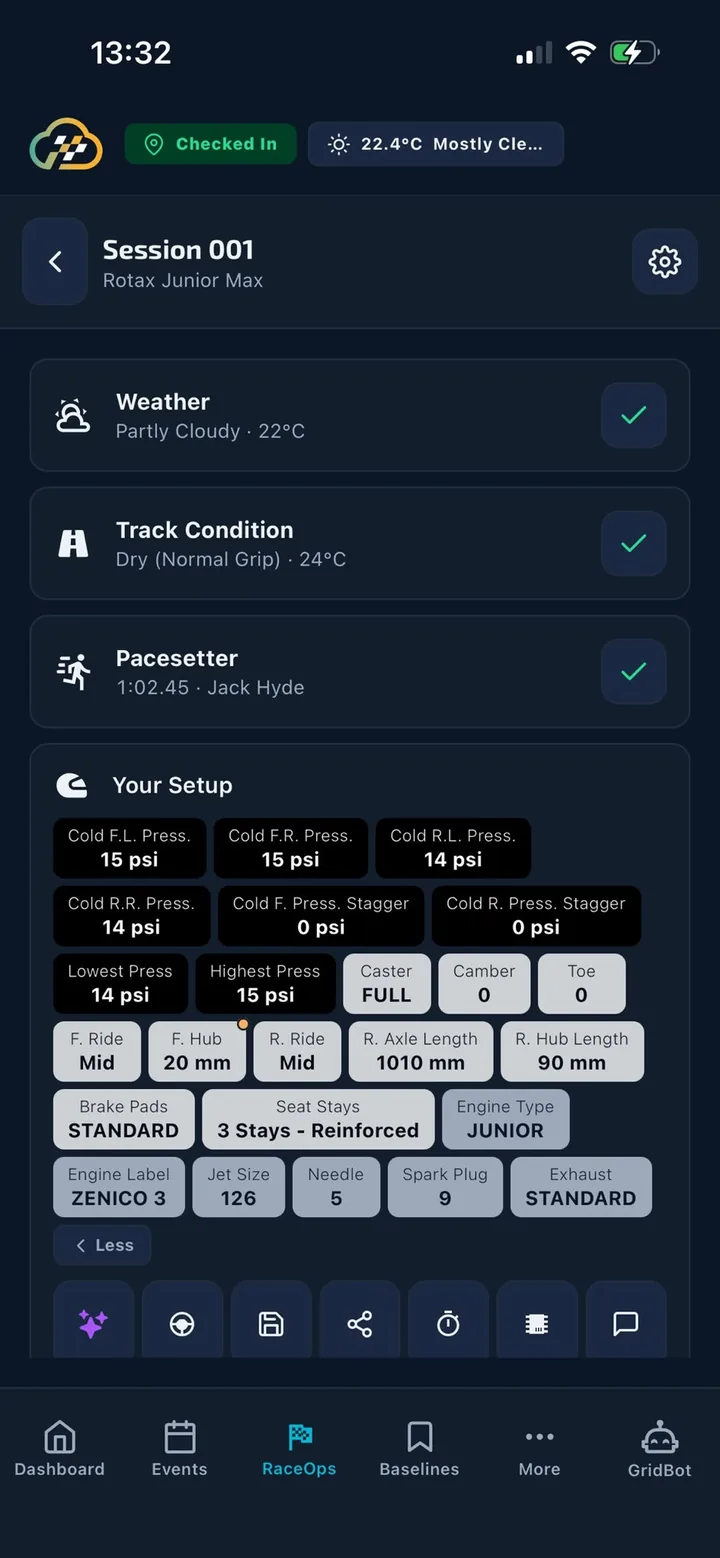
RaceOps day view
A driver's session
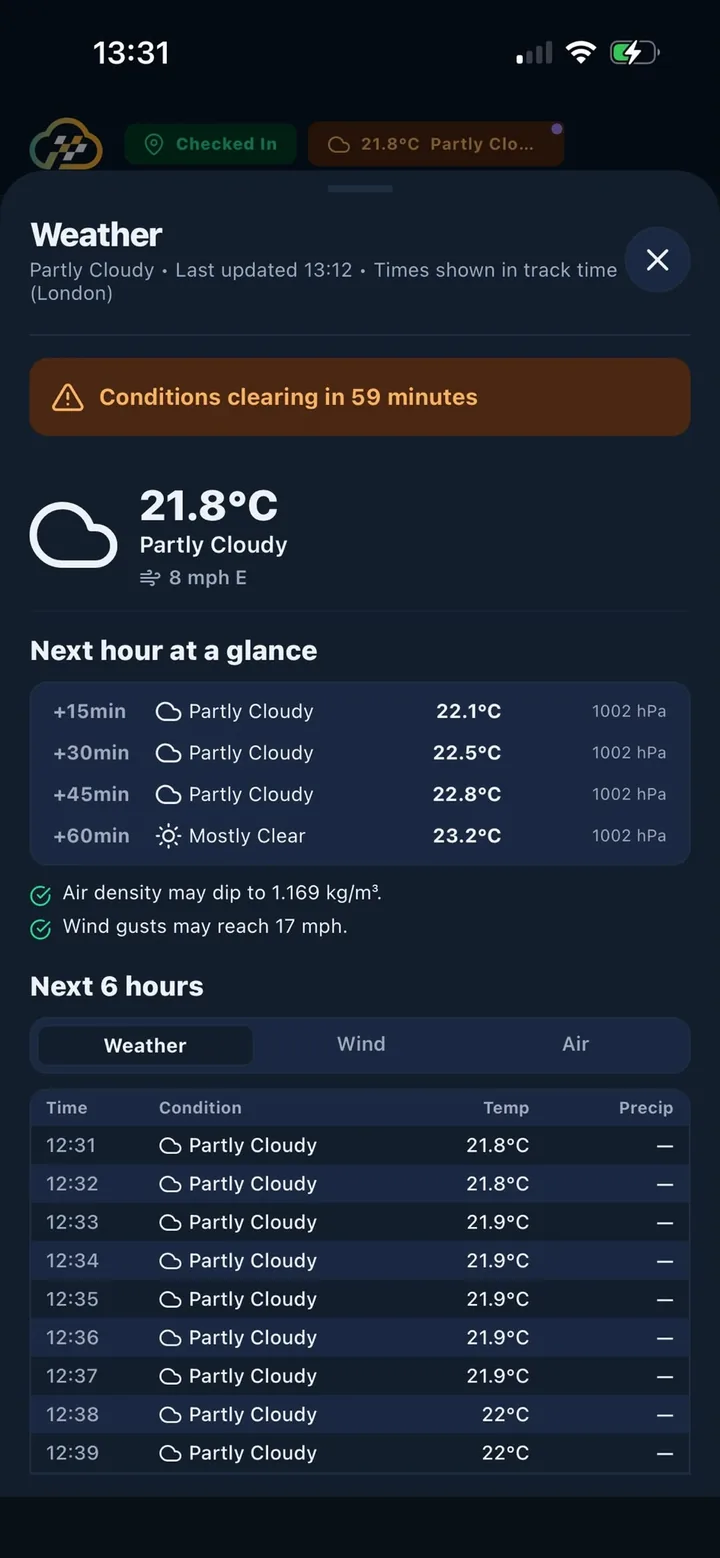
Live weather at the track
Track Check-In

Arrive, tap once, and you're ready.

Tracks are listed by distance using GPS. Check in and the app switches to race-day mode for that circuit.

RaceOpsopens today's event by itself.
The Paddocklets you post to everyone at the circuit.
Weather chipshows that track's conditions in the top bar.
No signal?GPS doesn't need it. The check-in syncs later, and you're checked out when you're more than 5 km away.
09:12
◎ Check In
Check In
Tracks near you · by GPS distance
Buckmore Park
2.3 km · Kent
Check in
Lydd Kart Circuit
41 km · Kent
›
Whilton Mill
118 km · Northamptonshire
›
Shenington
131 km · Oxfordshire
›
PF International
186 km · Lincolnshire
›
Ellough Park
189 km · Suffolk
›
Works with no data signal. You're checked out automatically when you're more than 5 km away.
RaceOps

The whole race-day workflow, whatever the signal.

No event yet? “Create Event” appears with the track already filled in. New sessions pre-fill the day, class and drivers from who's entered.

Results and after action
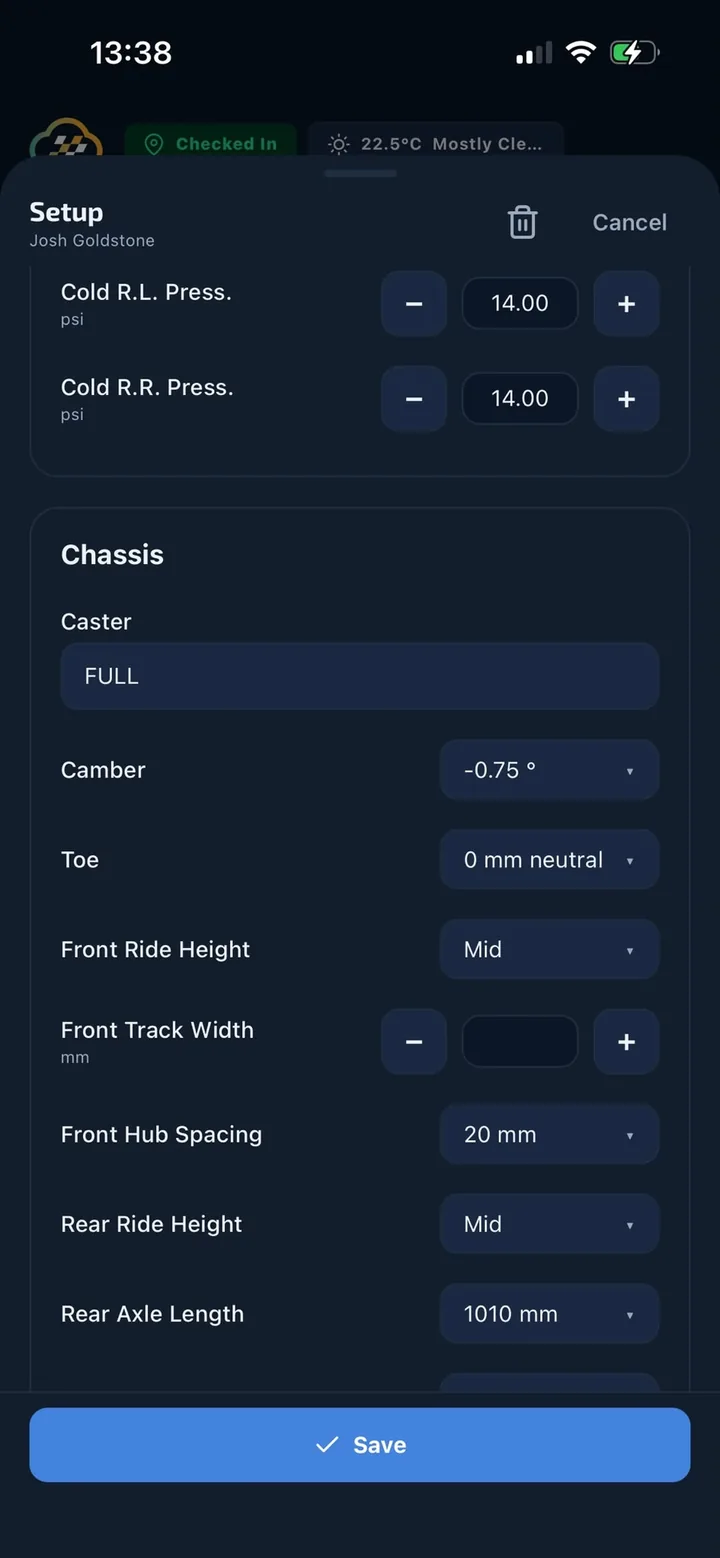
Editing the chassis setup
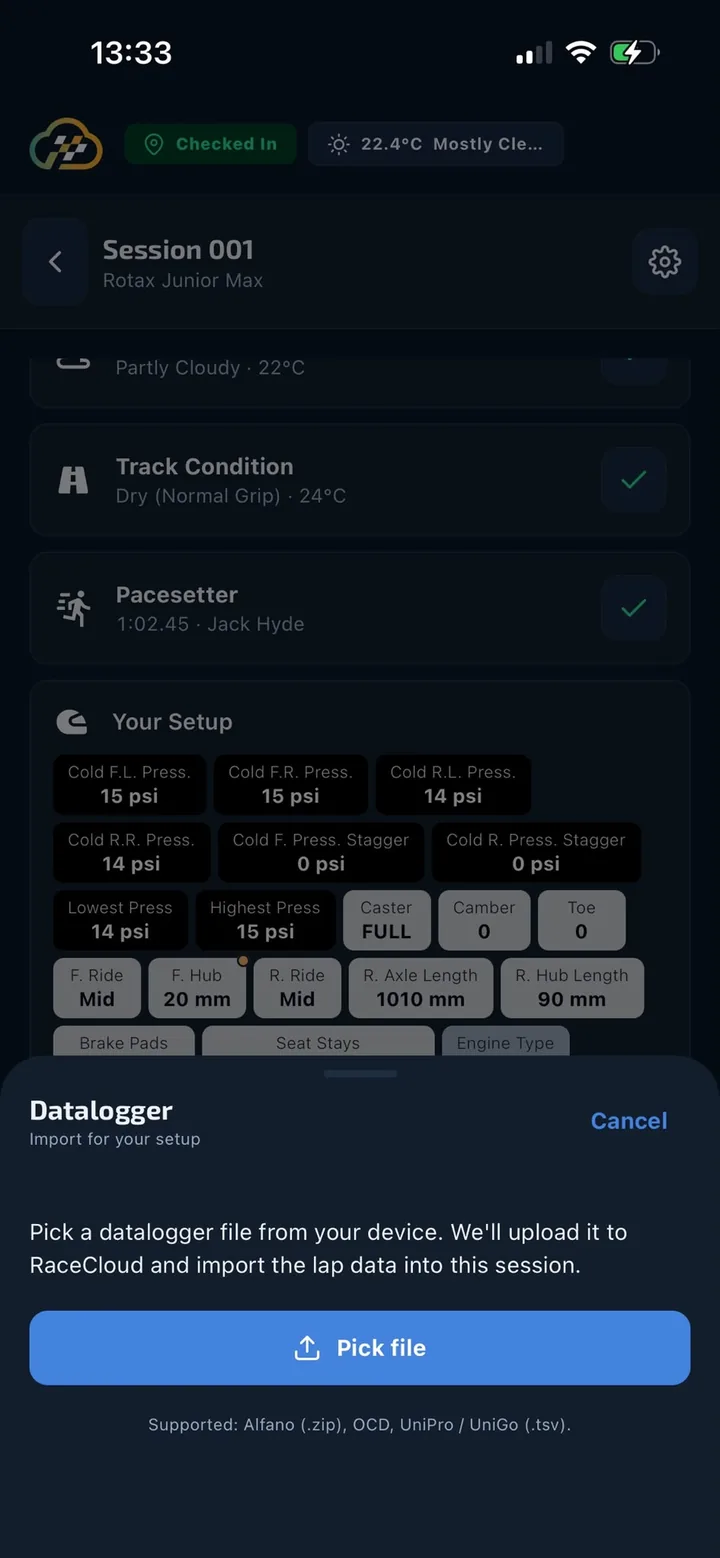
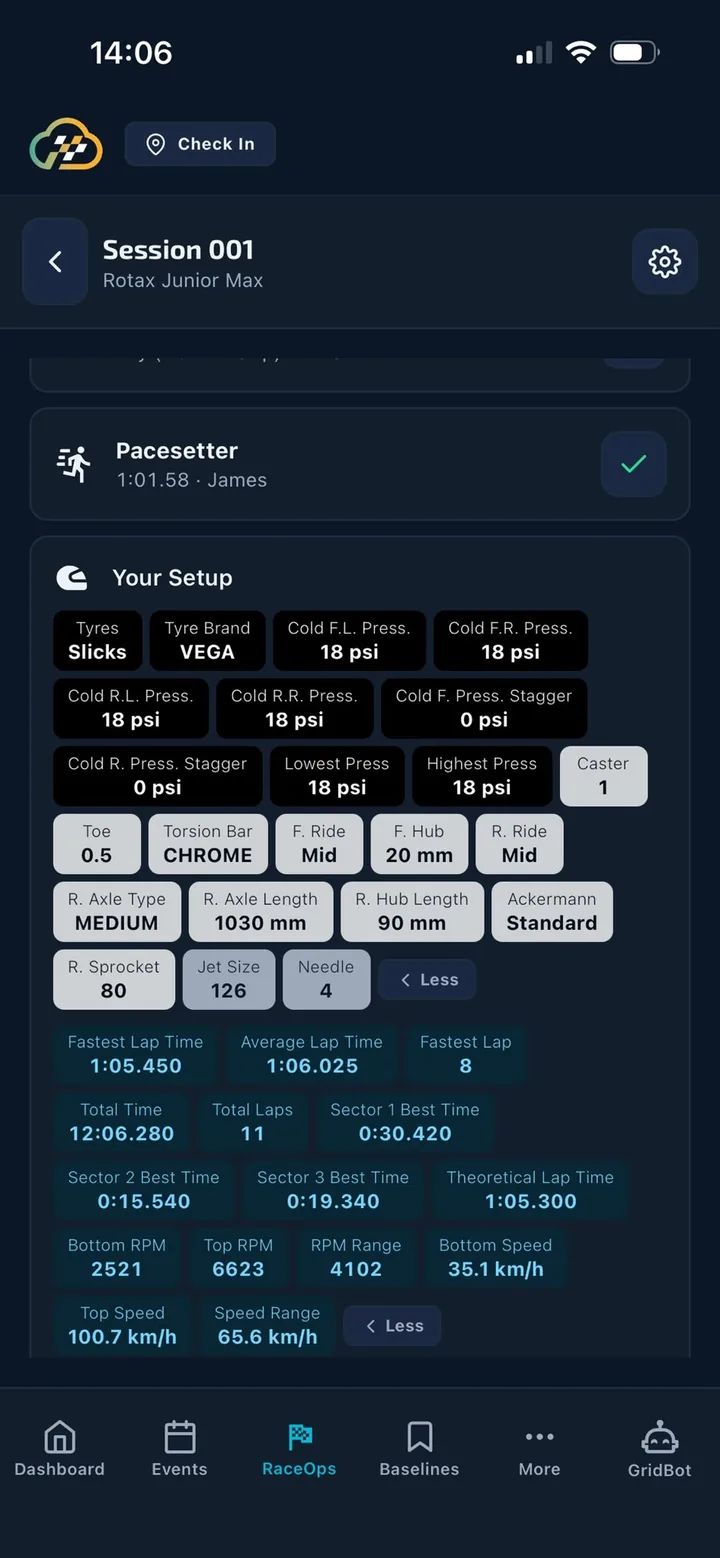
Datalogger import from the phone
Setup, results and feedback

For every driver, with separate boxes for the Driver, Coach, Mechanic and Team.

Load and save baselines

Designed so a filled-in setup is never overwritten by accident.

Import from the phone

UniPro UniGo and Alfano files, straight from the phone. No laptop needed. Needs signal.

Share anything

Send setups to the Paddock, your Journal, WhatsApp or Mail.

Works with no signal

One bar in the paddock? The app doesn't care.

Everything saves on your phone and syncs itself when you're back online with the app open. A small status pill appears only when something needs your attention.

How offline mode works ›
Works offline
✓RaceOps sessions, setups and results
✓Baselines, including search and compare
✓Drivers: view, create and edit
✓Event entries and requests
✓This season’s events and championships
✓Calendar for the current year
✓Journal (last 12 months on the phone)
✓Track Check-In
✓Track directory and directions
✓Calculators and Stopwatch
Weather sheet with next hour at a glance
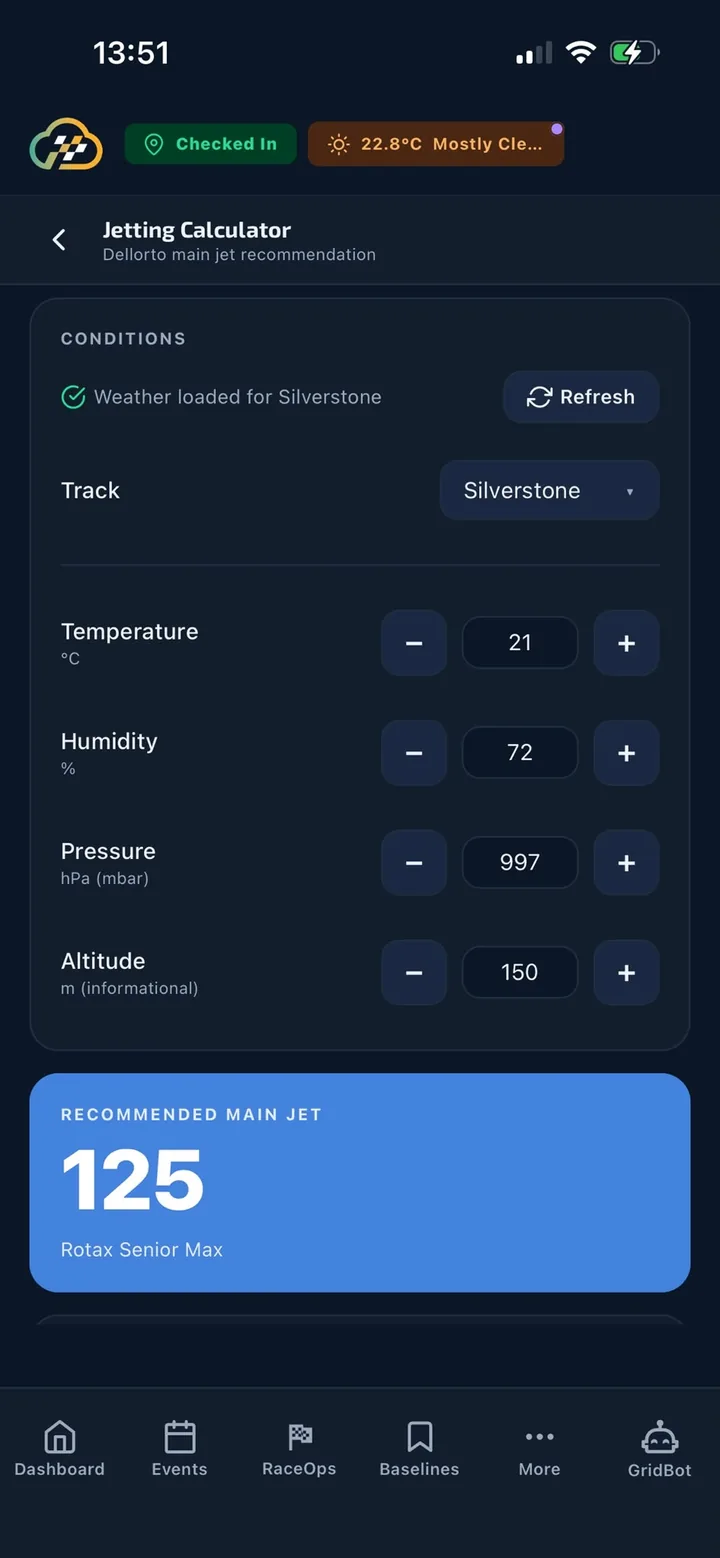
Jetting calculator
Weather and calculators

The numbers you need in the pit lane, right now.

A weather chip for the circuit you're checked in to, with a 6-hour timeline for weather, wind and air. The calculators fill in the live conditions from the nearest track.

Jetting
Dellorto main jet for Rotax Max, with air density against standard.
Carb
A VHSH 30 starting point: main jet, needle clip and air-screw turns.
Gearing
The ratio, and the equivalent rear sprocket for each front size.
Premix
Exactly how many millilitres of oil for your fuel and ratio.

Jetting and carb cover Rotax Max with a Dellorto carb. Gearing and premix work for any kart. All four work offline.

Stopwatch

Four karts. One phone.

Start them together or stagger them. The screen stays awake, you feel a tap on each press, and timing carries on if you switch apps.

13:51
◎ Checked In☁ 22.8°C Mostly Cle…
Stopwatch
● Running · 4 karts
History
00:12.769
Kart A · Lap 6 · best 0:47.112
LAP A
00:10.533
Kart B · Lap 6 · best 0:47.380
LAP B
00:06.726
Kart C · Lap 5 · best 0:47.905
LAP C
00:00.000
Kart D · staggered start
START D
Stop all
Personal Karting Journal

Your racing memory. Yours alone.

Write at the track and it attaches the track and a weather snapshot. Not even your team principal can see it.

18:40
‹
Journal
Private to you
Sat 03 Oct 2026
First go on the new axle
◎ Whilton Mill☁ 14°C · 78% · 1009 hPa
Shared setup · Session 004
Rotax Junior Max · Slicks
FL 13.5 · FR 13.5 · RL 13.0 · RR 13.0 psi
Fastest lap 0:47.112 · P4 → P2
Rear felt planted from lap 2. Lost a bit on the exit of Christmas corner, so try half a turn less caster tomorrow. Remember to check the chain before the final.
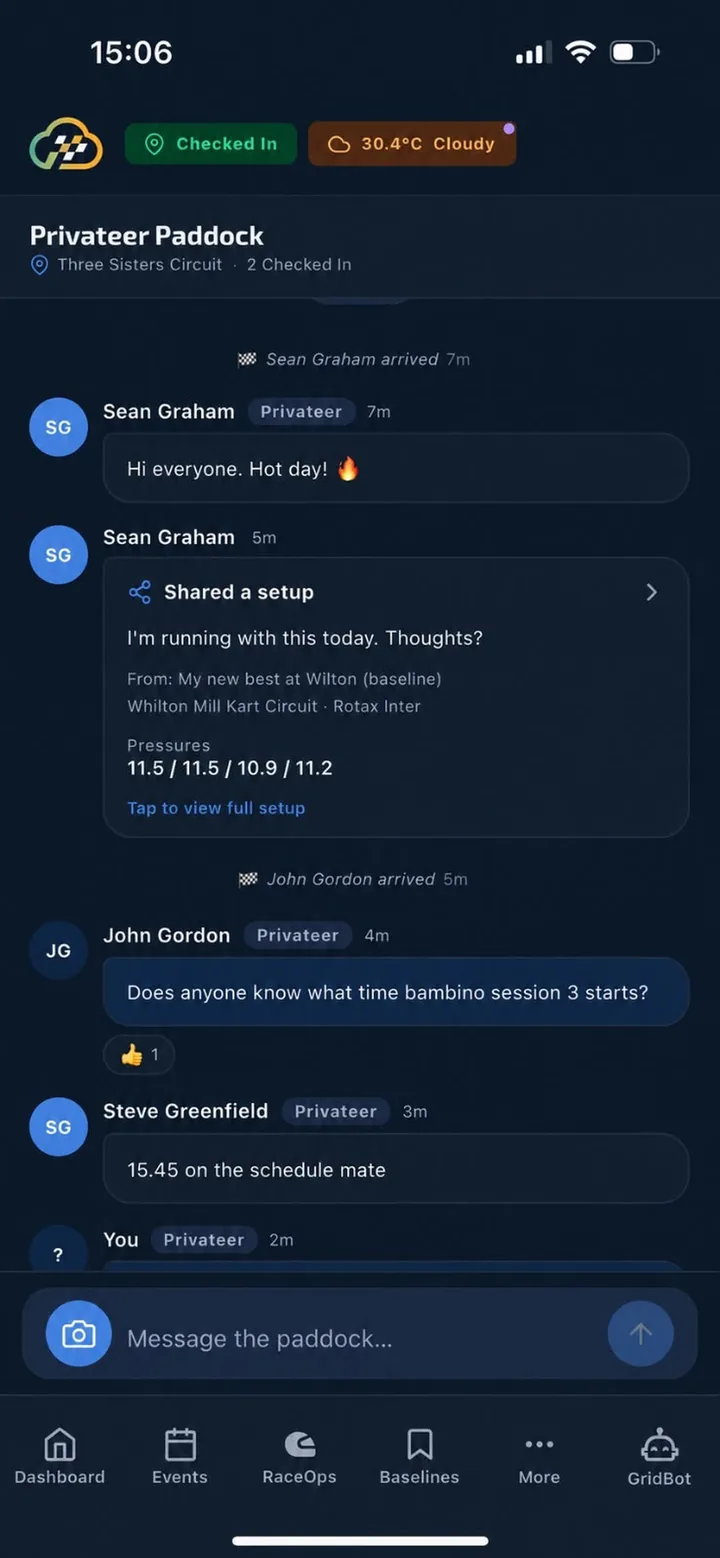
The Paddock

The paddock grapevine, organised.

A live chat room for every track, plus a private Team Paddock. Share a setup card and others can save it as their own baseline. @mention a driver and they get a push.

Check in at the track to post. Photos have location data removed. Conversations are kept for five days.

Privateer Paddock with a shared setup card
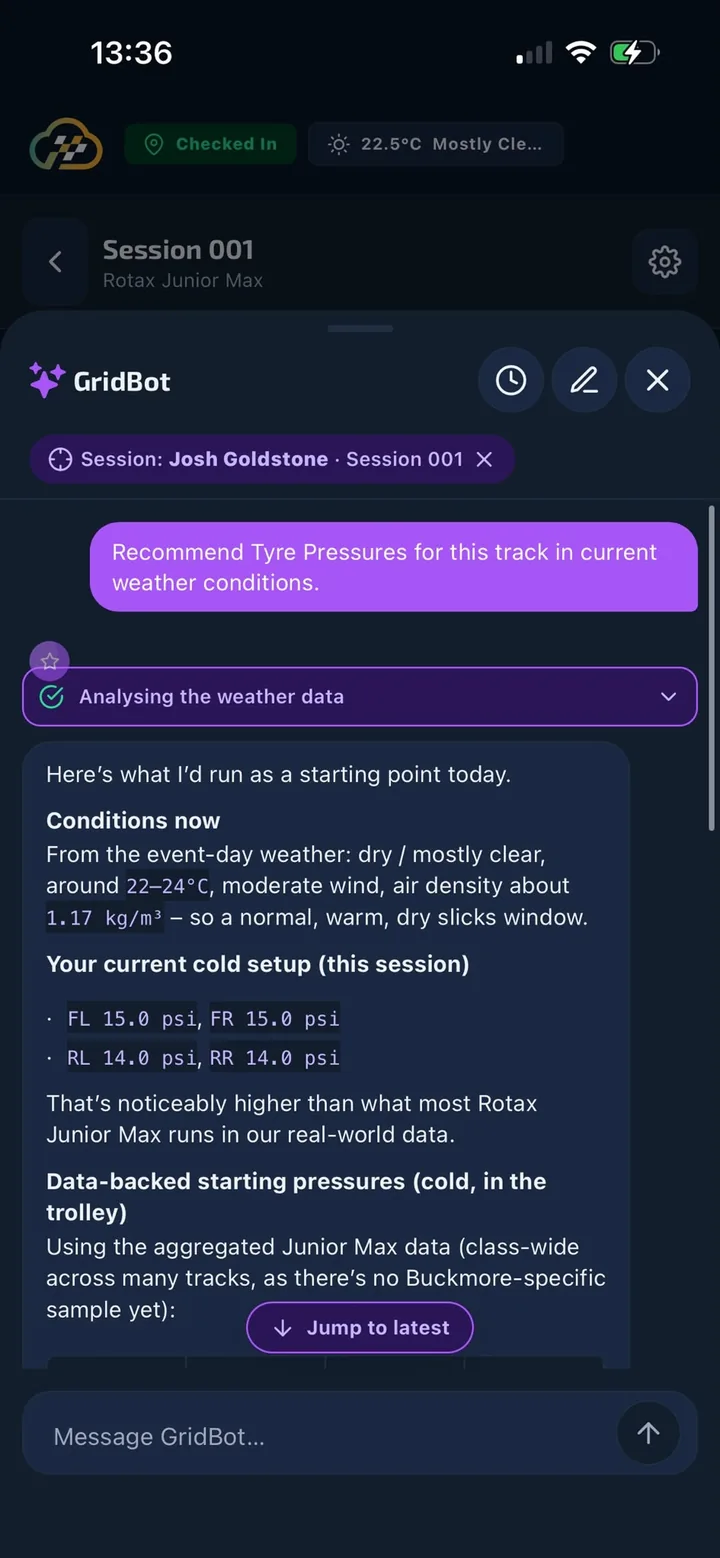
GridBot recommending tyre pressures for a session
GridBot

Ask GridBot anything about karting.

It has its own slot on the tab bar on every screen, and opens focused on the driver, session or track in front of you. If your signal drops mid-answer, it picks up where it left off.

Meet GridBot

AI can make mistakes; check before you act.

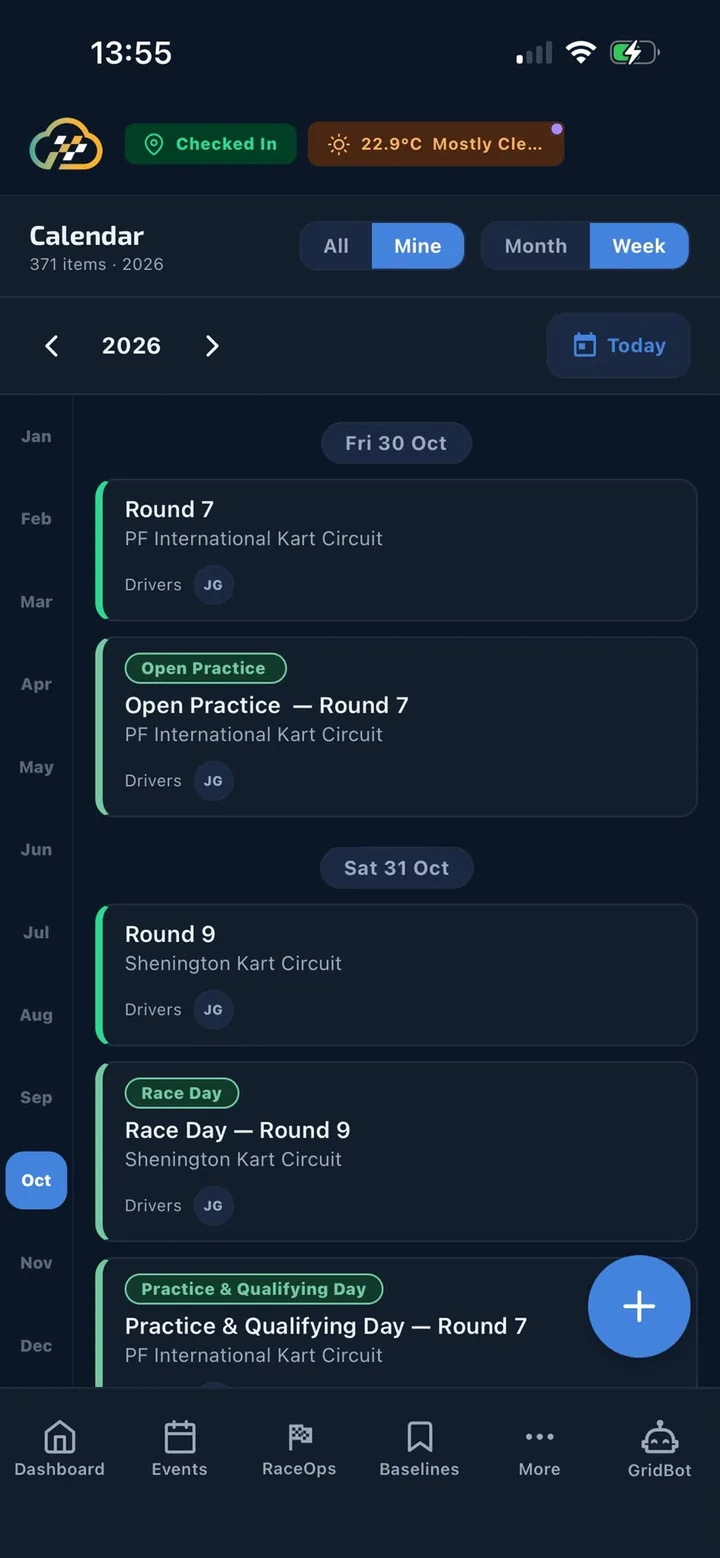
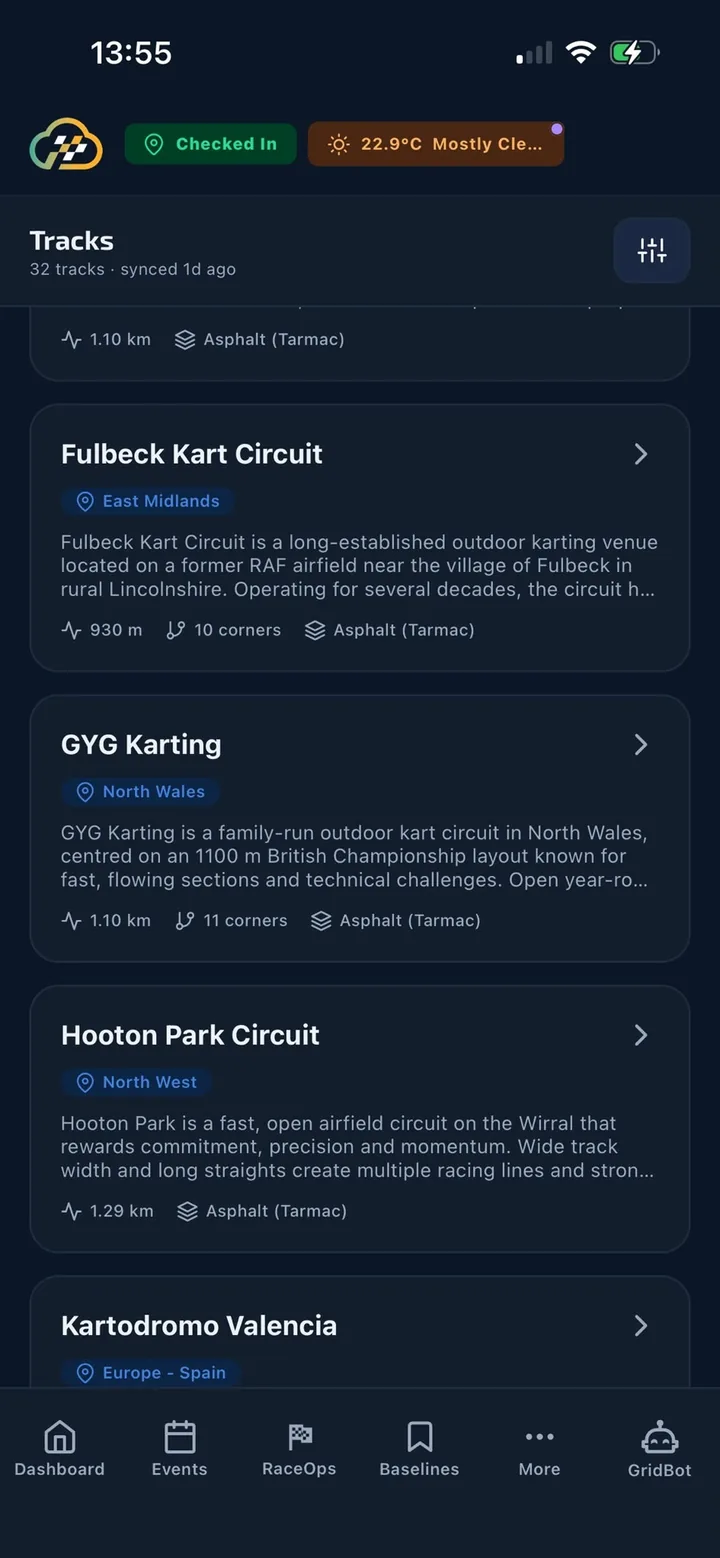
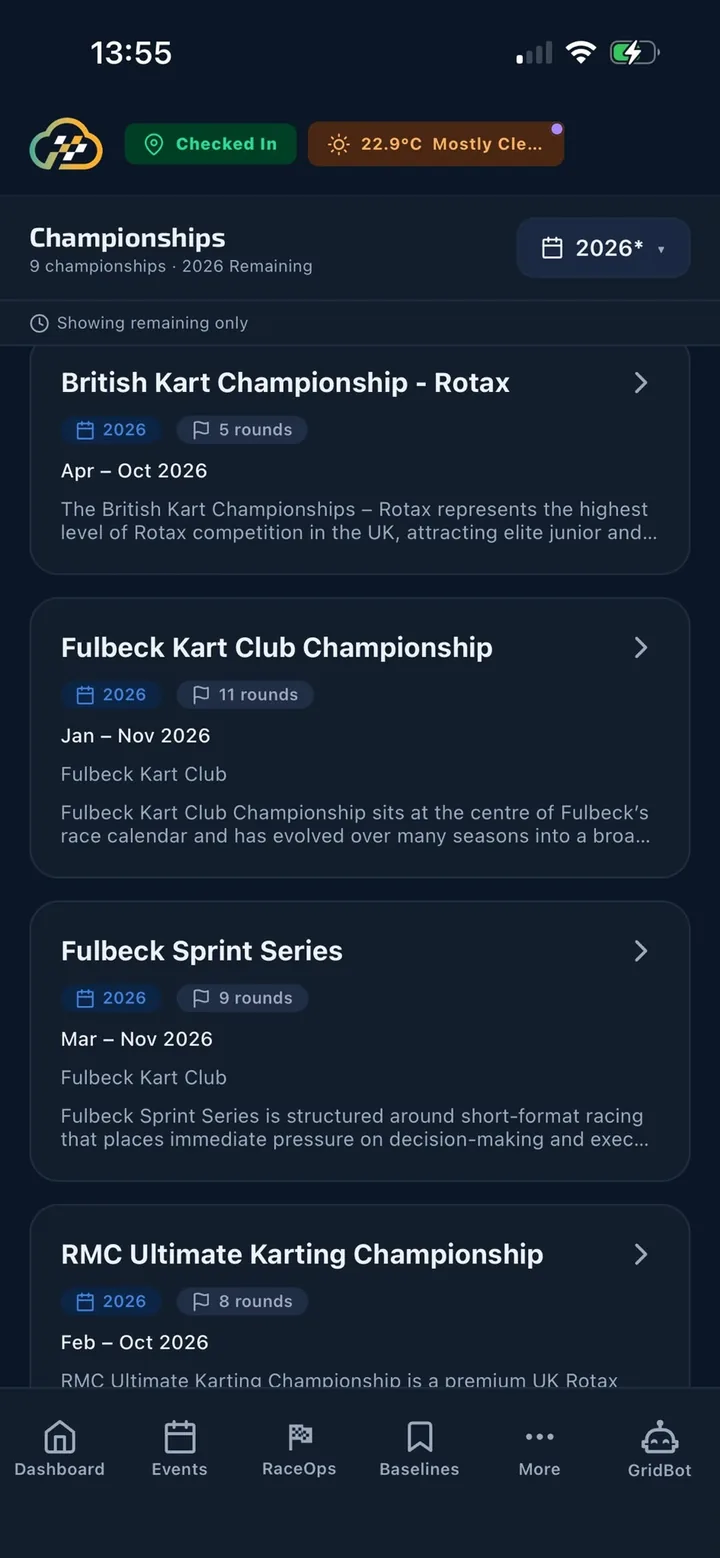
The calendar, the tracks and the rulebook. Always in your pocket.

This season's events, the full track directory and the class regulations you've opened, all on the phone and ready offline.

Calendar with events and journal
Track directory
Championships
Push notifications

Only what you need to know.

Switch each type on or off.

The Paddock · Whilton Mill
@Josh G. what pressures are you running on the inters?
now
Session starting soon
Rotax Junior Max · Practice 2 starts in 10 minutes.
2m
Entry request accepted
You’re entered for Sat 03 Oct at PF International.
1h
Team invitation
KartBros Racing has invited you to join the team.
Tue
Support replied
We’ve replied to your ticket about datalogger import.
Mon

Get RaceCloud on your phone.

Sign in with Apple or Google and take a three-screen welcome tour. The “Get started” checklist ticks itself off as you go.

Tip: open the app on good signal before you travel.